TL;DR
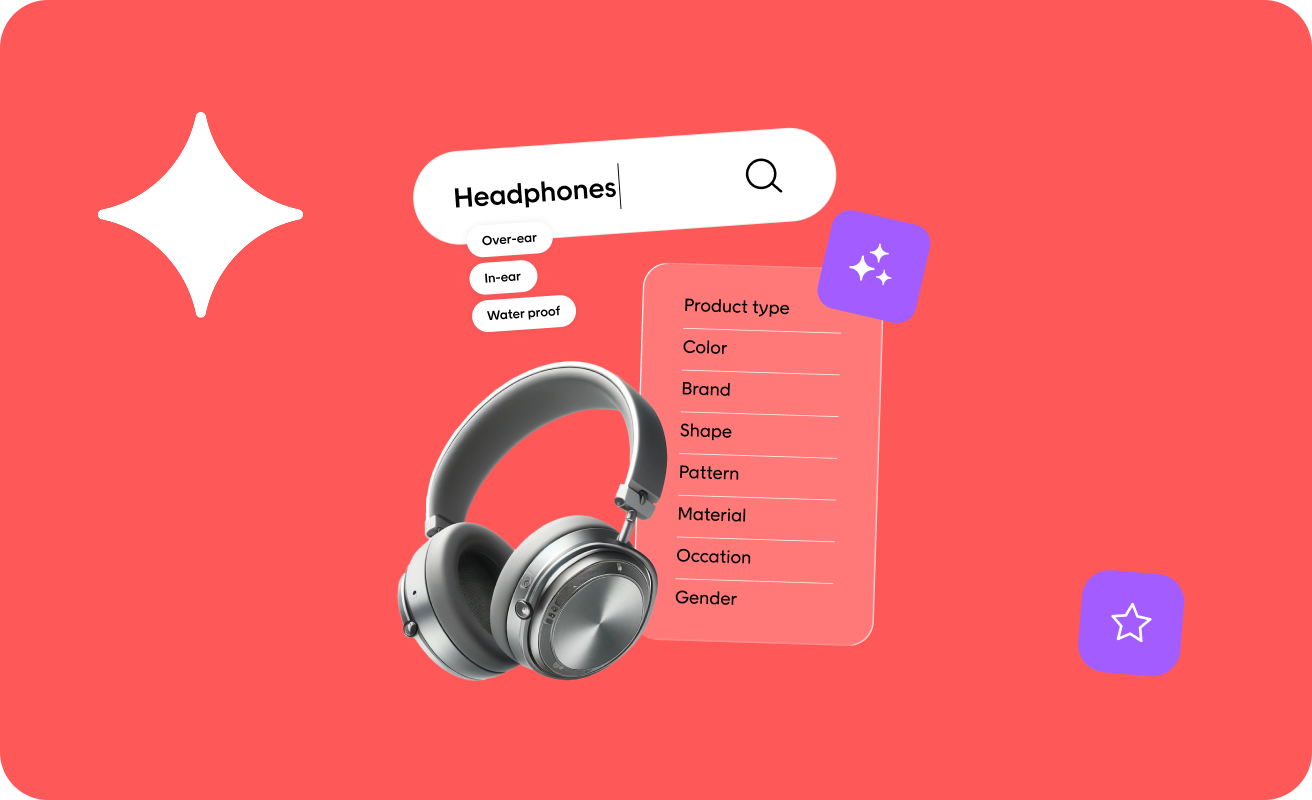
Visual product search lets shoppers find what they want using an image instead of words. The term covers different capabilities, including camera search, image upload, shop-the-look features, or recommendations based on visual similarity.
Each option varies in how much it costs to set up and how well it’s likely to support product discovery. Visual similarity helps shoppers explore alternatives once they’ve found a product they like, while camera and image search give shoppers a way to start with a photo or screenshot when they don’t have the right words to search.
Whichever visual search functionality you go for, it relies on solid product data. Recognizing a striped blue dress in a photo is one thing, but matching it to the right item in your catalog still depends on structured attributes, consistent imagery, and accurate availability.
How e-commerce visual search works
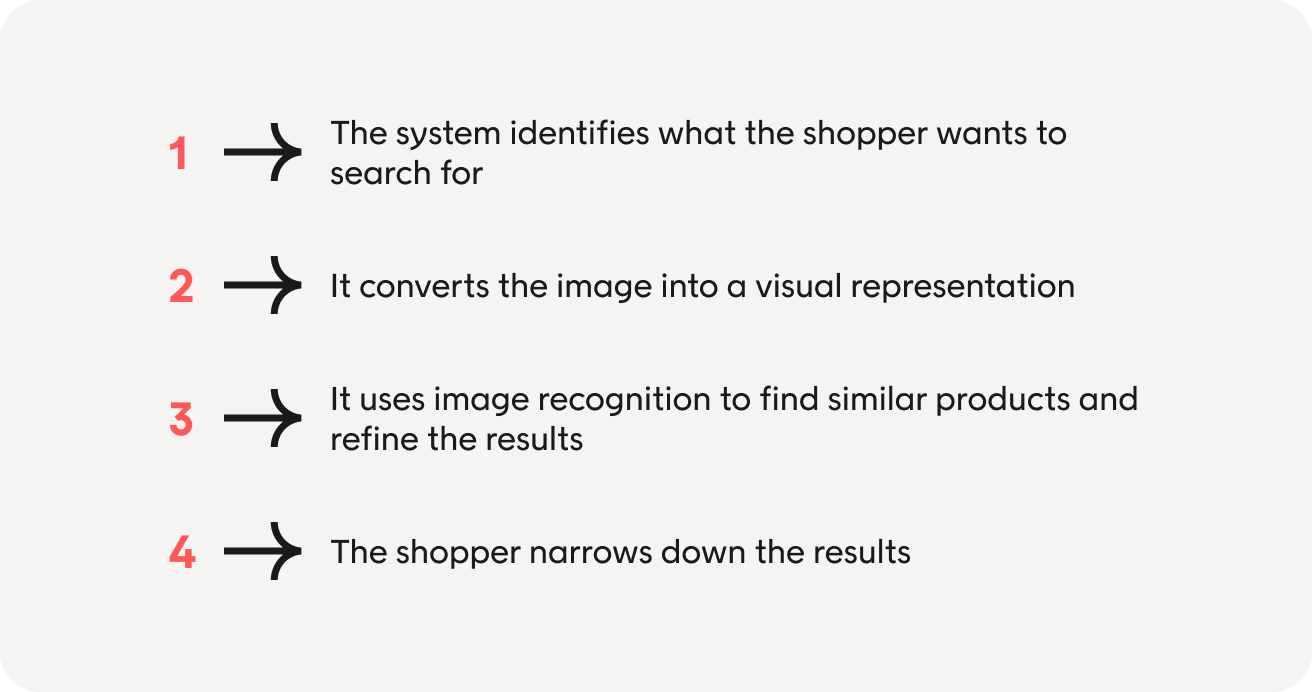
Visual search is one of several e-commerce search solutions alongside text and voice search, built to solve the same underlying problem: get a shopper from what they want to the product that matches it. Here’s how it achieves that step by step.
1. The system identifies what the shopper wants to search for
A photo doesn’t always contain one clear product. Someone might upload an image of an outfit with a jacket, bag, and shoes, or a room containing several pieces of furniture.
The system needs to work out which item the shopper wants to search for. It may detect several products and let the shopper tap one, or allow them to crop the image themselves.
Say someone wants to find a similar bag to one they’ve seen in a fashion spread, but the system searches the whole outfit instead. The results could reflect the clothing, background, and bag. Letting the shopper select or adjust the item helps the system focus the search on what they want.
2. It converts the image into a visual representation
The system analyzes the selected product and picks up visual characteristics such as its shape, color, pattern, and texture. It then converts the image into a numerical representation called an embedding.
Your product images have already gone through the same process. The visual search provider can compare the shopper’s image with products in your catalog and find the closest visual matches.
This gives online shoppers another way to search when typing in the search bar isn’t enough. They may not know the name for a particular dress silhouette or furniture style, but they can show the system what they’re looking for.
3. It uses image recognition to find similar products and refine the results
The visual search algorithm first finds products that most closely match the image. It can then use product data and other ranking rules to make the results more relevant.
For example, an image of a pink floral dress might initially match products with similar colors and patterns. The system can then prioritize dresses or remove out-of-stock products.
4. The shopper narrows down the results
Visual search can give shoppers a useful starting point, but it can’t tell them everything they need to know. They might find several dresses that look right and still need one in their size or within a particular price range.
Filters and product attributes help them narrow down the results. The image gets them closer to what they had in mind, while the rest of the search experience helps them find the right product.
The 4 use cases for visual search capabilities (and why they’re not equivalent)
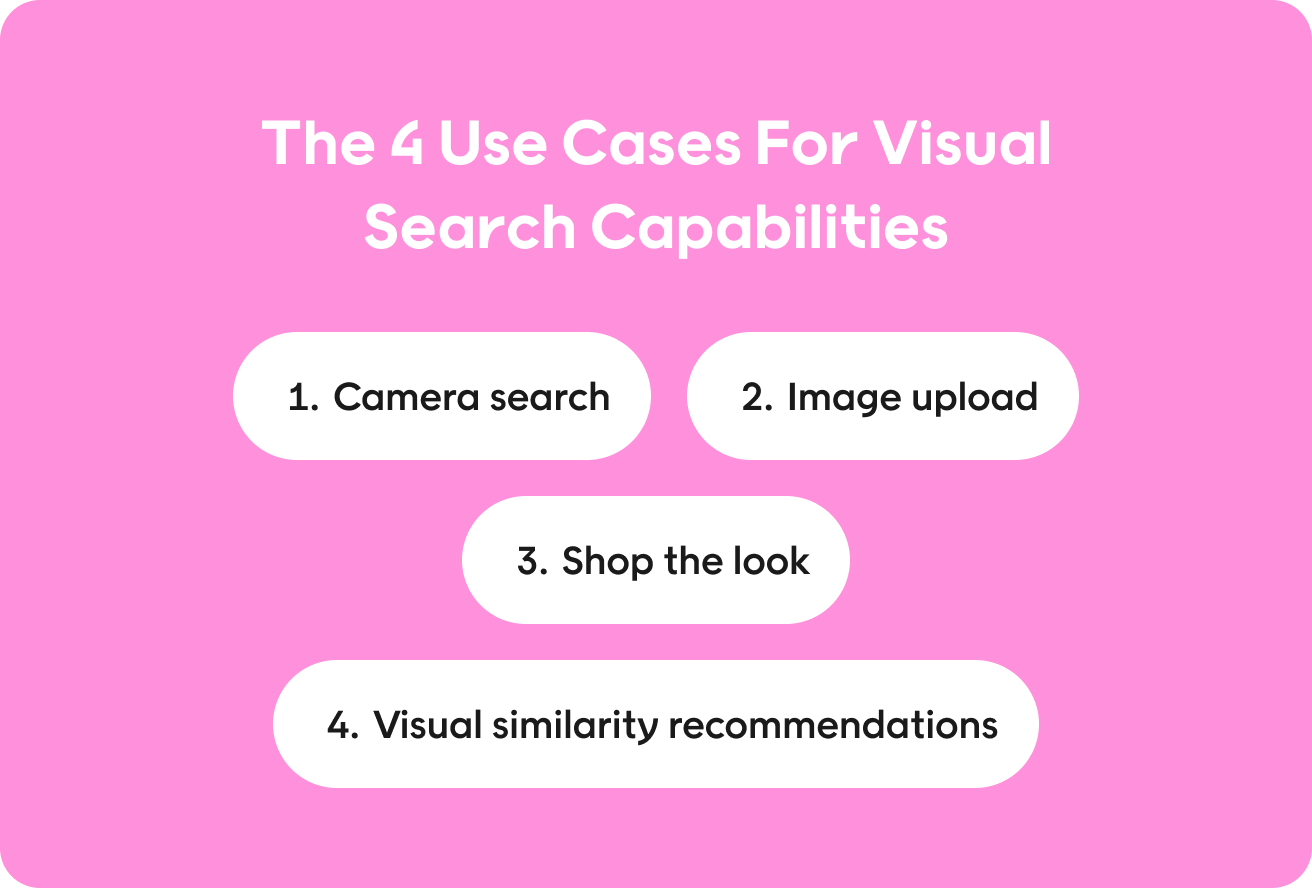
The same underlying computer vision technology can support four different use cases. Each has different benefits for the shopper and the retailer. Here’s how they compare in practice.
1. Camera search: A shopper points their phone at something
Camera search lets shoppers photograph an item and search for the same or a similar product. This approach can work well for categories like fashion and interiors, where inspiration often happens away from a screen. It’s also familiar to many shoppers. They’ve likely used reverse image search tools like Google Lens or Pinterest Lens, even if they’ve never used them on a retail site.
| Pros | Cons |
| Helps shoppers search for things they can’t easily describe. For example, a customer might see a chair they like in real life, but be unsure how to describe the style beyond basic attributes. | Results depend heavily on the image. Poor lighting or a cluttered scene can make it harder for the system to identify the item correctly. |
| Bridges online and offline discovery. Camera search gives shoppers a direct way to act on something they’ve seen, rather than having to remember it and then use traditional search later. | It’s primarily a mobile device interaction. The feature needs to be easy to access when the shopper sees something they want to search for, and camera permissions can add friction for mobile users. |
| Low learning curve. Most shoppers already know how to take and upload photos on their mobile phones, so the interaction feels familiar. | Costs can run high. Supporting live camera input adds implementation and maintenance work. |
Verdict: Camera search can be useful for retailers in visually driven categories, but it’s also time-consuming to build and maintain. It’s best suited to retailers with broad catalogs and higher-value products, where finding the right match can have a bigger commercial payoff.
2. Image upload: Search with a screenshot
Image upload lets shoppers search using a photo or screenshot they already have. For example, they might see a product on social media or find an out-of-stock product on a different website. They can then upload it to search for the same or a similar item in your catalog.
| Pros | Cons |
| Fits a behavior shoppers already have. Someone who sees a product on social media or another retailer’s site can use the screenshot they already saved instead of trying to describe what they saw. | It relies on the shopper already having an image. If they see something in the real world, they still need to take and save a photo before they can search with it. |
| Lets shoppers pick up the search later. They can save an image when they find something interesting and upload it when they are ready to look for a similar product. | Screenshots can be messy search inputs. An image may include several products, text, or interface elements, making it less obvious which item the shopper wants to find. |
| Works across desktop and mobile. A shopper can upload an existing image from whichever device they are using, rather than relying on a camera at the point of search. | The upload step adds friction. The shopper must locate the saved image and upload it before the search can begin. |
Verdict: Image upload makes visual search available at more points in the customer journey and across more devices. Image upload is best suited to retailers whose customers often discover products through social media and can justify the investment in the visual search technology behind it.
3. Shop the look: Make your own imagery shoppable
Editorial photos, lookbooks, room sets, and campaign imagery often contain more than one product. Shop-the-look lets shoppers move from that inspiration to the individual products shown, whether by tapping items in the image or viewing the full look. This approach works particularly well in fashion and interiors, where shoppers may want to recreate an outfit or room rather than buy a single item.
| Pros | Cons |
| Makes inspiration immediately shoppable. A shopper looking at an outfit or room set can explore the individual products without having to search for each one separately. | The experience depends on the imagery you have. Retailers without editorial photography, lookbooks, or room sets may need to create new content before they can get much value from the feature. |
| Can encourage shoppers to buy more than one product. Someone interested in a sofa, for example, might also discover the rug or lighting shown alongside it. | Products in the image can go out of stock. The feature needs to stay connected to current availability so shoppers do not land on products they can no longer buy. |
| Gets more value from existing content. Campaign and editorial imagery can serve as another route to product discovery rather than only as inspiration, increasing customer engagement. | The products need to be identifiable and linked correctly. If an image contains several similar items, the tagging needs to make it clear which product the shopper is selecting. |
Verdict: Shop-the-look can be a relatively straightforward way to add visual discovery, with a strong case for increasing average order value (AOV) when you already produce images with multiple products.
4. Visual similarity recommendations: Help shoppers find alternatives
Visual similarity recommendations are a spin on AI product recommendations, showing shoppers products that look similar to the one they’re looking at. You might use them on product pages or when an item is out of stock, giving shoppers a relevant next step without asking them to start a new search.
This approach can work particularly well for products where appearance matters more than function.
| Pros | Cons |
| Fits naturally into the existing shopping journey. Shoppers can browse similar products without learning a new feature or changing how they already shop. | Similar-looking does not always mean suitable. A product may look right while differing in price, size, or another factor that matters to the shopper. |
| Can keep shoppers moving when a product is unavailable. Instead of reaching a dead end, they can explore in-stock products with similar visual characteristics. | The system can pick up the wrong visual signals. Backgrounds, styling, or camera angles can influence the results when similar images lack consistency. |
| Can work when behavioral data is limited. New or less frequently viewed products can still generate product recommendations based on their visual characteristics. | Close matches can become repetitive. Showing only near-identical products can limit discovery, so retailers may need to balance visual similarity with other signals. |
Verdict: Visual similarity recommendations can provide a relatively simple starting point for retailers with existing recommendation modules.
Where visual search converts best in online shopping
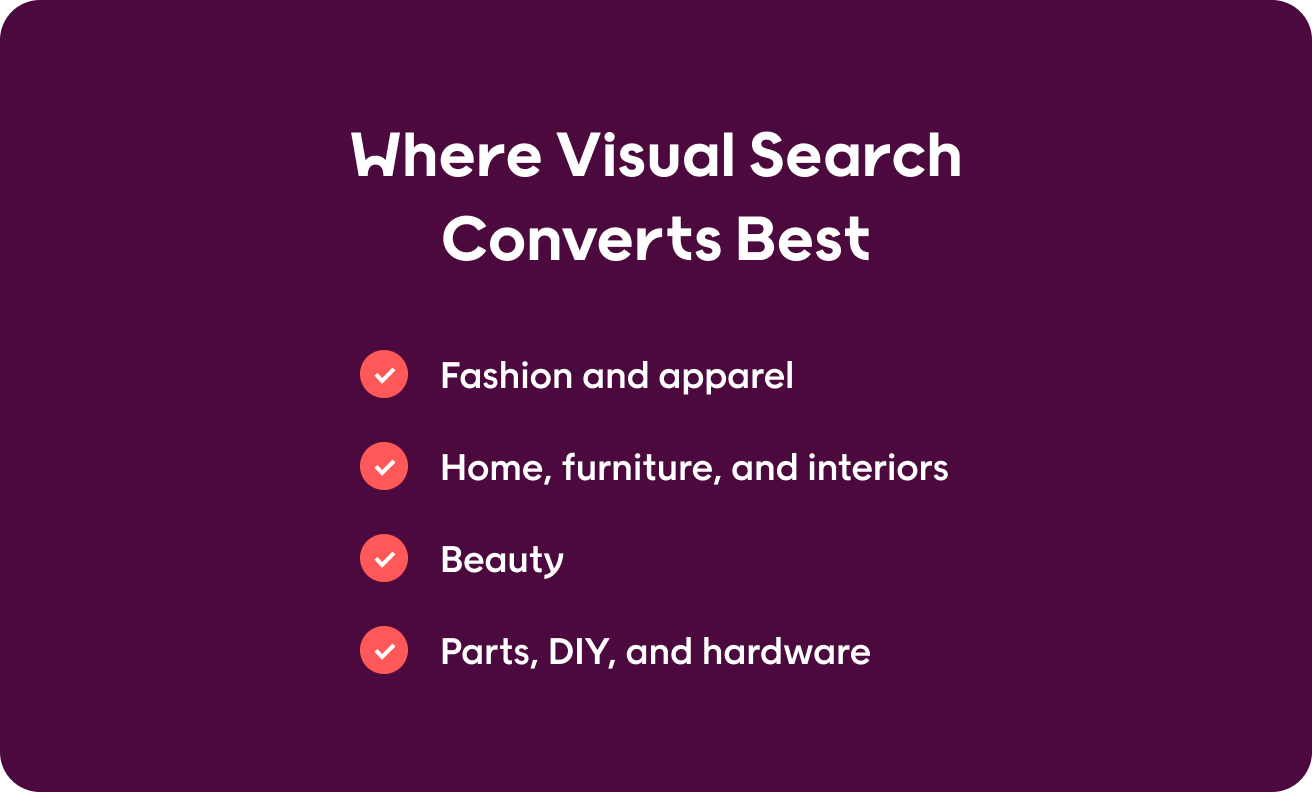
These visual search examples show where the four use cases pay off in different retail categories.
Fashion and apparel
Fashion is one of the strongest fits for this type of image recognition. Shoppers often care about details that are difficult to capture in traditional text-based search, such as the cut of a dress or the overall style of an outfit. Visual search results provide a useful alternative.
For example, a shopper might save a screenshot of a jacket from social media without knowing how to describe its silhouette. Image upload could help them find similar styles in your catalog. A product page could then recommend visually similar alternatives when their preferred size is unavailable.
Home, furniture, and interiors
Visual search can help shoppers turn a room idea into products they can buy. A shopper might upload an interior image and search for a similar lamp or chair on a furniture e-commerce site. Retailers can also use shop-the-look functionality to make individual products within a room set easier to explore.
The visual match only helps narrow down the options. A similar-looking sofa may have different dimensions or other practical requirements, so product information still needs to be consulted to confirm whether it suits the shopper’s space.
Beauty
Beauty offers several opportunities for visual search, from identifying a product from its packaging to finding a lipstick or nail polish in a similar shade.
For example, a shopper could upload a photo of their favorite discontinued lipstick and use visual search to find a dupe.
Parts, DIY, and hardware
Visual search can help when shoppers don’t know exactly what to search for. For example, say a shopper has a broken fitting for their kitchen tap but doesn’t know what it’s called.
Visual search means they don’t have to try and find the right term before they shop or manually search through your site. Instead, they could photograph the part to identify its likely product category or find possible matches.
Where visual search has limited value
Visual search becomes less useful in categories like groceries or electronics, when products look similar but differ in ways that an image can’t show.
For example, a photo can identify a USB cable, but it can’t reliably indicate its charging capability or data-transfer speed. The item’s aesthetic aspects aren’t especially relevant to the buyer, so visual shopping features don’t make the experience any smoother.
Honest limitations for image search in e-commerce
Visual search can improve product discovery, but the matching technology is only one part of the experience. Here are the limitations to be mindful of.
Discovery of the feature itself
A visual search feature only helps if shoppers know it exists and understand when to use it. A camera icon on its own may not make that clear, particularly when shoppers already have familiar ways to search.
Clearer prompts such as “Search with a photo” can help explain the functionality. You can also introduce visual search when it solves an obvious problem, such as helping shoppers find similar products on an out-of-stock product page. The goal is to make the feature easy to find without adding another prompt to every stage of the journey.
Image quality on both sides
The quality of the shopper’s image affects how accurately the system can identify and match a product. A blurry photo or poor lighting can make it harder to return relevant visual search results.
From the retailer’s side, image consistency is important. If one chair appears against a plain background and another appears in a busy room, the system has more than the products themselves to compare. Consistent product photography gives the matching system a clearer basis for finding visually similar items.
“Similar” is not always “the same”
A visual match can help a shopper find alternatives without identifying the exact product in their image. The interface should make that clear.
For example, “Similar styles” sets a different expectation from “Exact matches.” When a shopper needs a specific product or replacement part, visually similar results may still differ in important ways, so it’s important to make that clear.
It can’t see specifications
An image can show how a product looks, but it can’t confirm whether that product meets the shopper’s requirements. A visually similar tap might have the wrong connection size, while two USB cables can look identical but offer different charging capabilities.
Visual search can narrow down the options, then product attributes and filters need to help the shopper find a suitable match.
Stock and merchandising still apply
A visually relevant product still needs to be available to buy. Before showing results, retailers need to account for stock, variants, regional availability, and any rules that affect which products they want to promote.
Visual similarity can identify relevant candidates, while product data and e-commerce merchandising logic determine which ones should appear in the final results.
Cost
The cost of visual search goes beyond individual image-analysis requests. Retailers may need to maintain product image indexes, keep catalog changes in sync, monitor the quality of results, and support the feature over time.
Usage helps put the investment into context. A feature such as camera search may attract only a small share of shoppers while still incurring ongoing costs. Measure the value visual search generates, such as its effect on conversion or revenue, rather than judging it on feature usage alone.
What has to be true before implementing visual search
To avoid issues that might impact the shopping experience, you should have a few things in place before introducing visual product search.
Consistent product imagery
Your product images give the system the visual information it uses to find matches. Keep backgrounds, lighting, framing, and crops reasonably consistent so the system focuses on the product rather than differences in how you photographed it. Products where shape or construction matters may also need images from multiple angles.
Complete visual attributes
Product images can find visually similar items, but attributes help keep the results relevant and give shoppers a way to narrow them down. A shopper who uploads an image of a patterned dress might then filter the results by size or material. Your product taxonomy also helps prevent the system from treating visually similar products as suitable alternatives when they belong to different shopping decisions.
Accurate availability at variant level
A product may appear in stock while the color, size, or configuration that the shopper needs is unavailable. Visual search results need the same up-to-date inventory information as the rest of your e-commerce site so shoppers don’t click through to products they can’t buy.
A way to refine the results
A visual match often gives the shopper a useful starting point rather than the final answer. After finding similar products, they may still need to filter by price, dimensions, compatibility, or other requirements. Make sure your existing facets can carry the shopper from a visual shortlist to a manageable set of options.
A useful fallback when there’s no clear match
Not every uploaded image will contain a product you sell, and some images will be too unclear to search accurately. Give shoppers another route forward, such as selecting the item they want to search for, browsing the relevant category, or trying a keyword search. A weak match presented with confidence can create more frustration than simply acknowledging that the system couldn’t find a close result.
The same principle applies across e-commerce search and product discovery: product data sets the limits of what the experience can deliver. Visual search makes the image the starting point, but shoppers still need accurate product information to find something they can actually buy.
A staged approach to introducing visual search in online stores
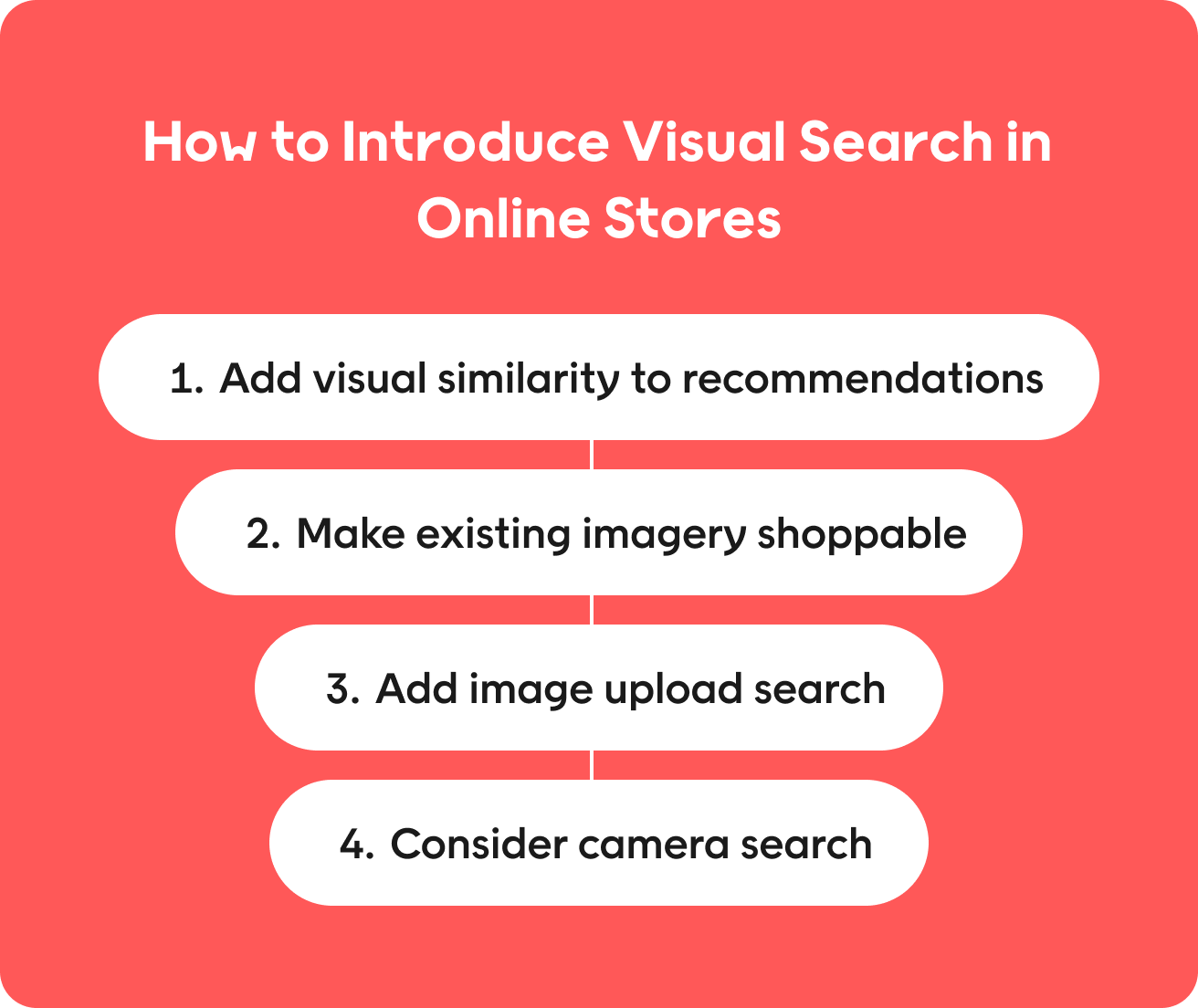
You don’t need to implement every visual search capability at once. Start with the use cases that fit naturally into your existing shopping experience, measure how shoppers respond, and use what you learn to decide whether to add more capabilities.
Stage 1: Add visual similarity to recommendations
Start on product pages, where shoppers already look for alternatives, and on out-of-stock pages, where similar products can give them somewhere else to go. Track click-through and conversion to see whether visually similar products perform better than your existing recommendations.
Stage 2: Make existing imagery shoppable
Look at your editorial and lifestyle images to identify where several products appear together. Add shop-the-look functionality to the pages with the strongest commercial potential, then track attach rate and average order value to see whether shoppers buy more from those looks.
Stage 3: Add image upload search
Let users upload screenshots and photos to search by image. Make the feature easy to find, then monitor usage alongside match quality, no-match rates, and conversion. This stage can show whether shoppers want to use images as a starting point for product search.
Stage 4: Consider camera search
Camera search requires a more deliberate investment, so use the results from earlier stages to inform the business case. If shoppers actively use image-based discovery and your catalog can return useful matches, camera search may give them another way to start their search from a product they see in the real world.
How to measure visual search
After integrating visual search, tracking shows you whether it’s contributing to commercial results and where you may need to refine it. Some metrics are useful across any type of visual search engine, while others help you dig deeper into specific use cases. Here’s what to measure for each.
Metrics to track across visual search
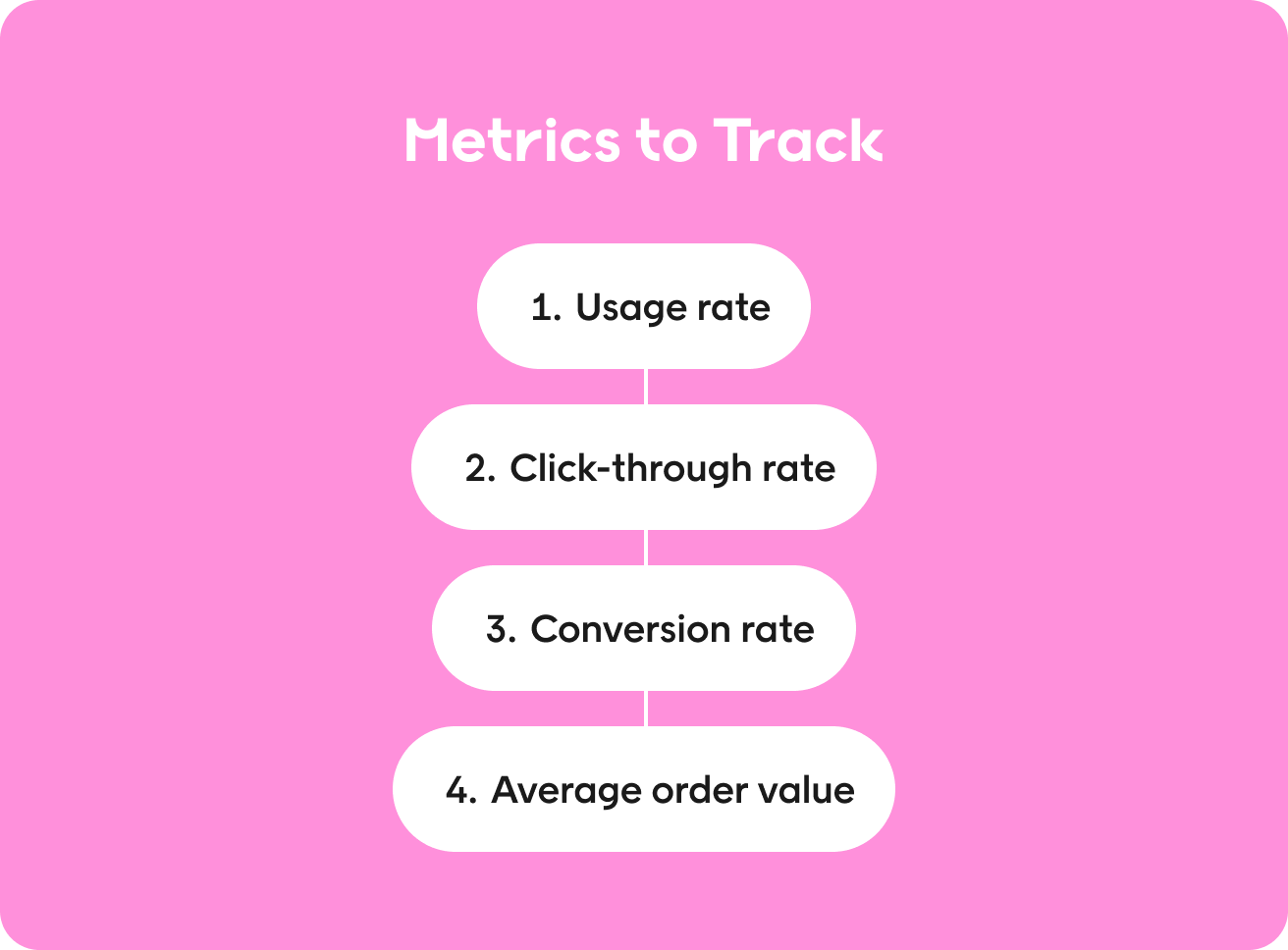
- Usage rate: Track how often shoppers use the feature or interact with the visual search entry point.
- Click-through rate: Measure how often shoppers move from a visual result or recommendation to a product page.
- Conversion rate: Compare shoppers who use the feature with similar shoppers who don’t.
- Average order value: Track whether visual search users spend more per order.
Metrics for specific use cases
Camera search and image upload
- Match confidence and no-match rate: show how often the system returns a useful result.
- Refinement rate: Shows how often shoppers need to filter or refine results after the initial match.
Shop-the-look
- Attach rate: Shows how often shoppers add additional products from the same look.
Visual similarity recommendations
- Out-of-stock recovery: Track how often shoppers click a similar item after landing on an unavailable product.
Review your results regularly, but give the feature enough traffic to identify a pattern before making changes. If usage is low, start by looking at discoverability. If shoppers use the feature but rarely click or buy, look more closely at match quality and the products you’re returning.
How Voyado’s Elevate supports visual product discovery
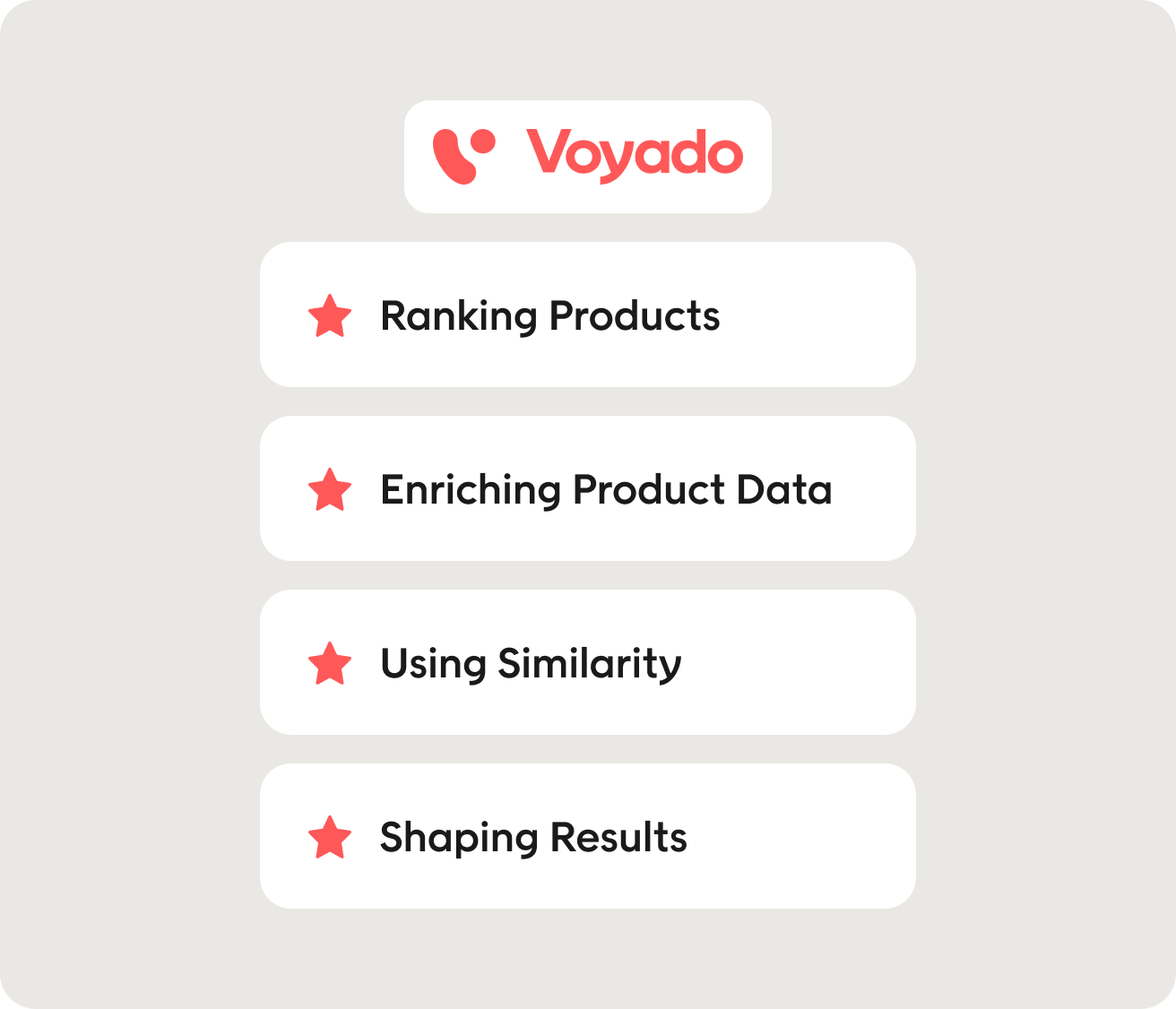
Visual search helps shoppers find products from an image, but the initial match is only the starting point. The results still need to connect with the right products in your catalog and reflect what’s available and relevant to the shopper.
Voyado’s Product Discovery Engine uses product and shopper data to understand relationships across your catalog and rank products in real time. That can support visual product discovery by helping turn a set of visually similar products into results that make sense for both the shopper and the business.
Here’s where Voyado fits into that journey.
Ranking products after the initial match
An image search tool may return several visually similar products, but visual similarity alone doesn’t determine which one should appear first.
Voyado uses retail-specific product intelligence to rank products based on factors such as inventory, product lifecycle, sales performance, and shopper behavior. The Product Discovery Engine can then help retailers apply broader product and commercial context to those results.
Enriching product data to support relevant results
Visual search works best when the product catalog provides enough information to support the initial match. Voyado analyzes and enriches product data to understand product attributes and relationships across the catalog, thereby supporting more relevant site search and filtering.
For example, a shopper might start with an image of a floral dress, then narrow the visually relevant results by size, material, or price.
Using similarity beyond the image search
Visual similarity can also support product discovery without asking shoppers to upload an image. A similar-items module can help them continue browsing from a product page or find an alternative when the product they want is unavailable.
Voyado’s personalized product discovery and recommendations surface similar and complementary products throughout the shopping journey.
Giving shoppers a way to refine and merchandisers a way to shape results
A visually similar product may still be the wrong size, price, or specification. Elevate’s facets let shoppers narrow results using the product attributes that matter to them.
Its merchandising tools also give retailers control over which surfaces are used, helping them prioritize products based on current availability and business priorities.
Book a demo to see how Voyado turns product and shopper data into more relevant product discovery.
FAQs
What is visual search in e-commerce?
Visual search in e-commerce lets shoppers find products using an image instead of text. They can search with a photo, screenshot, or product image. The system then uses machine learning and image recognition to analyze visual features and match the image with relevant products in the catalog.
What are the main visual search use cases?
The main visual search use cases are camera search, image upload, shop-the-look, and visual similarity recommendations. Camera and image search help shoppers find products from an input image, while shop-the-look makes visual content shoppable. Visual similarity helps shoppers discover similar products while browsing an online store.
Does visual search actually increase conversion?
Visual search can increase conversion when it helps shoppers find relevant products more easily, but the results depend on the use case and product category. For example, visual similarity can give shoppers a useful next step on a product page, while shop-the-look can encourage them to add more than one item to their order. Track each visual search capability separately to understand its effect on conversion.
Which retail categories benefit most from visual search?
Visual search works best when visual characteristics play a major role in the buying decision. Fashion and home decor are obvious examples because shoppers often care about details such as style, shape, pattern, or color that can be difficult to capture through keyword search. It can also help shoppers find parts or components when they don’t know the relevant keywords or product name.
What do I need before implementing visual search?
Before implementing visual search, make sure your product images are consistent and your product catalogs contain reliable visual attributes. You also need accurate availability data and filters that let shoppers narrow visual search results by practical requirements.
Why do visual search projects fail?
Visual search projects can struggle when shoppers don’t discover the feature or the image matching produces weak results. Inconsistent product images can make it harder for visual search algorithms to identify similar products, while ongoing costs may outweigh the value if usage remains low. Measure performance early to see whether the feature needs refinement or the investment makes commercial sense.
About Author