TL;DR
Retailers often have separate search systems for their product catalog, blog and editorial content, help center, store information, and sometimes marketplace or partner products. Shoppers don’t see those separate systems. They simply use whichever search box is available and expect it to find what they need.
Federated search brings results from different sources into a single search experience, so shoppers can find relevant products and information without needing to know where the content is stored. For retailers, it can help reduce dead ends in search and make useful information easier to find.
True federated search queries separate systems and merge the results, while unified indexing brings content into a single index before searching it. Most retailers use unified indexing because it can deliver faster results and provide greater control.
This guide explains where federated search makes sense for retail and what to consider before implementing it. Voyado blends content with ranked product results across search and autocomplete, with store-level availability and multimarket configuration.
What is federated search?
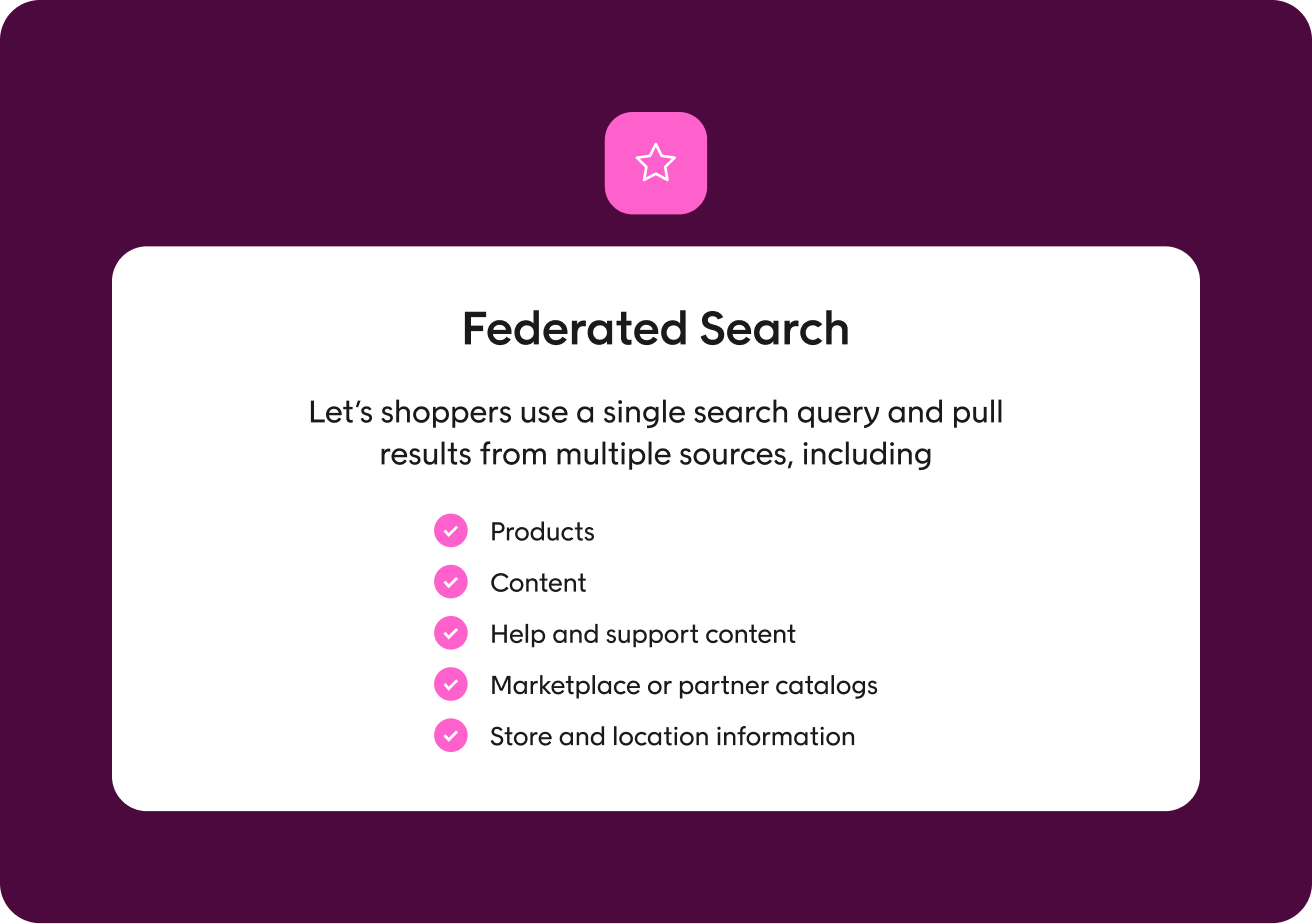
Federated search in e-commerce lets shoppers use a single search query and pull results from multiple sources, including:
- Products. Products from the retailer’s catalog, often managed through a product information management (PIM) system or e-commerce platform.
- Content. Blog posts, buying guides, lookbooks, and other editorial content that can help shoppers research a product.
- Help and support content: Information such as FAQs, shipping details, returns policies, and size guides.
- Marketplace or partner catalogs. Products from other brands or sellers, which is particularly relevant for marketplaces and multi-brand retailers.
- Store and location information. Details about physical stores, including locations and opening hours.
With a federated search system, the information doesn’t all have to be combined into one database first. Each source keeps its own content and search setup, and federated search brings the relevant results together.
Federated search engines can make it easier for shoppers to find what they need without having to search different parts of a website separately. For retailers, it also makes more of your existing content discoverable through site search, including guides and support information that might otherwise be difficult for shoppers to find.
Note: It’s different from federated search in an enterprise IT context, where it usually means querying several separate systems, such as document stores, CRMs, and intranets, and combining the results.
Federated search vs. unified search vs. blended results
E-commerce platforms often use search terms interchangeably, even though they mean different things. Understanding the difference between them helps ensure you know what you’re getting during vendor demos.
| Term | How it works | Trade-off |
| True federation | When someone searches, the system sends the query to several separate sources and combines the results through search-time merging. Each source keeps and manages its own information. | Results can be slower because the search has to wait for every source to respond. It can also be harder to decide how to rank results from different sources together. |
| Unified indexing | Information from different sources is copied into one central search index through index-time merging, then searched from there. | The retailer needs a way to keep the index up to date as information changes. In return, search is usually faster with a unified interface and the retailer has more control over how results from different sources are ranked. |
| Blended or universal results | Different types of results, such as products, guides, and help content, appear together on the same search results page. | This describes what the shopper sees in the user interface, rather than how the search system works behind the scenes. |
Much of what’s described as “federated search” in e-commerce actually uses a unified index behind the scenes and then presents results from different sources together. That’s often an engineering choice, as it makes search faster and gives you more control over the rankings. When comparing providers, ask them to clarify which approach they use.
Why retailers end up with fragmented search
Most businesses don’t deliberately create a website where every type of information has its own search function. It usually happens gradually as new tools are added for different jobs. The e-commerce platform comes with product search, the marketing team uses a CMS for blog content, and the customer service team adds a separate help center for FAQs and support articles.
The problem arises when a customer types “running shoes buying guide” and gets only products, because the buying guide lives in the CMS index. As a result, you can’t deliver the information the shopper needs, which may cause them to bounce. Retailers often turn to a federated search function as a way to remedy this without having to index everything in one place.
Where a federated search system pays off in retail
The key benefits of federated search depend on how your customers use search and the information they need to find. Here are some situations where bringing different sources into the same search experience can make the biggest difference.
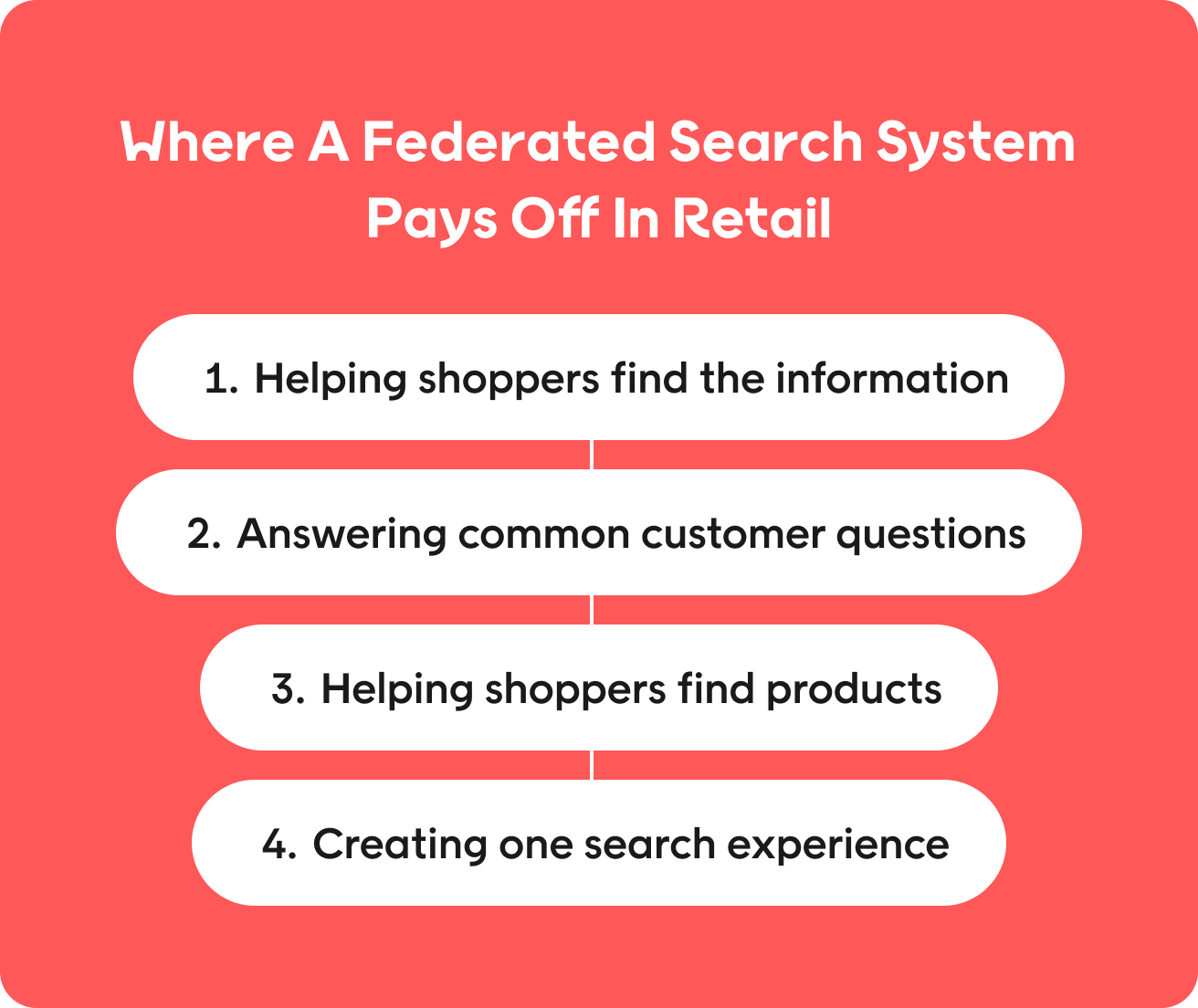
Helping shoppers find the information they need to make a purchase
Buying guides, size guides, care instructions, and comparison content can all genuinely help shoppers decide what to buy.
Federated search means that this content surfaces when a shopper is still at the consideration stage and has a higher chance of influencing their purchase. Without it, shoppers may need to work out where that information lives on the website, creating more friction along the buying journey.
Answering common customer questions before they become support tickets
Shoppers often search for “delivery”, “returns”, “track my order” and “size guide” in the product search box. Making it easy to find that information from the homepage or product page can reduce customer support tickets and make for a smoother customer experience.
Helping shoppers find products they can buy nearby
If you’re an omnichannel retailer, product information and store inventory often sit in separate systems. But a shopper searching for a product may also want to know whether they can buy it at a nearby store.
Federated search can bring those sources together, making it possible to answer questions like “is this in stock near me?” without sending shoppers off to search for store availability separately.
Creating one search experience across brands and markets
Large retail groups may manage separate product catalogs for different brands or markets. A shopper still expects search results to reflect the products available to them, rather than having to understand which catalog or system contains the information they need.
Federated search can bring these sources into one search experience while accounting for differences between markets, such as local pricing, product availability, language, and merchandising rules.
Helping shoppers discover the full range of products
When a retailer sells both its own products and items from marketplace sellers, shoppers shouldn’t have to search two individual search engines to see the full range. A federated search process allows shoppers to find relevant products regardless of who’s selling them.
It can also give retailers more control over how different products appear together, including how marketplace items are ranked alongside their own inventory.
Where federated search isn’t worth it
If all your products are stored in a single catalog and you don’t have a large amount of other content, federated search is unlikely to offer many benefits. It may even add unnecessary complexity to your search setup.
Having lots of content or information spread across different sources doesn’t automatically mean you need federated search either. It depends on what your customers are actually looking for. Check your search data first: if shoppers aren’t searching for terms like “returns” or “size guide”, there’s little value in bringing those sources into the main search experience.
The hard part: Ranking products against content
One of the main challenges with a federated search interface is that it shows items from different sources that weren’t designed to be ranked or displayed together. Here’s what to keep in mind when designing the experience.
Start by understanding what the shopper wants
Before deciding which results to show and how to rank them, the search system needs to identify what the shopper is trying to do. A search for “returns policy” is looking for an answer, so the policy page should take priority. “Black ankle boots size 39” shows a clear intention to find a product, so product results should come first. “How to measure for a rug” sits somewhere in between: the shopper needs a guide but may also be preparing to buy a rug, so both types of results can be useful.
Decide how to show different results
Once you know which types of results are relevant to a search, you need to decide how they should appear on the results page, as the layout can affect which results shoppers notice and click. These are the main options:
| Presentation | What it is | What to consider |
| Tabbed | Results from different sources appear under separate tabs, such as Products, Content, and Help. | This keeps result types separate, but shoppers may only look at the first tab. Results outside the default tab can easily go unseen. |
| Blended | Products, content, and other results appear together in one list. | This requires careful ranking because different result types compete for the same space. Content can push relevant products further down the page. |
| Zoned | Products remain in the main results grid, while content appears in a separate section alongside or above the products. | This gives different result types their own space while keeping products as the main focus. It’s often a practical option for retail search. |
The best pattern usually depends on your query mix, but it might take some trial and error. Keep an eye on your usage and conversion metrics and test and refine the pattern over time, rather than treating the initial choice as final.
Don’t let well-optimized content push products down
A detailed blog post may contain far more descriptive text and relevant terms than an individual product page, making it look like a stronger match for a search query. But even the best blog post about wedding guest dresses shouldn’t show up before actual dresses.
Content can still support the decision by appearing alongside the products or further down the results page, but it shouldn’t get in the way of the shopper reaching the products they came to find. Set clear ranking rules for buying-focused searches and test them to make sure products keep their priority.
Make different results easy to recognize
If a shopper clicks on a federated search result expecting a product but ends up on a lookbook, the search experience can feel confusing or frustrating. Different types of results should look clearly different. Use distinct card designs or labels so shoppers can immediately tell what they’re clicking on.
Give merchandisers control over every type of result
When you start showing mixed search results, you open up new merchandising questions, like which guide should appear for “how to measure for a rug”? Or which campaign page should show for “Black Friday”?
Merchandisers should have the same level of control over non-product results as they do over product listings. If they don’t, you risk irrelevant content appearing simply because the search system considers them the best match.
What to get right operationally before implementing federated search
Federated search tools only work well if the underlying data structure and systems can work together reliably. Before connecting diverse data sources to the same search experience, there are a few operational details to get right.
Keep every search source up to date
As federated search queries the original sources directly, you need to ensure each individual index is up to date first. That could mean the product catalog, CMS, help center, or store information system, depending on what the search will cover.
Without this step, the system might surface stale content. An out-of-date returns policy showing up in search results could mislead shoppers and create unnecessary customer service issues.
Don’t let one slow system hold up search
Because federated search works by searching multiple sources at the same time, if one of them is slow, it delays the end result.
Decide what should happen if a source is too slow or doesn’t respond at all. For example, you might show the results that are already available rather than making the shopper wait for the entire search results page.
Show shoppers results for their market
If you have content across different markets, you need to make sure every shopper only sees what’s relevant to them. There’s no use in a German shopper seeing UK price and availability when they’re looking for a product, or a French user seeing a US returns policy.
Along with being confusing for the customer, showing the wrong information can create legal or commercial risks. Set clear rules for which products, prices, policies, and content should be available in each market, and make sure these rules are applied before results appear in search.
Track what each search source is contributing
When you introduce multiple result types into your search process, looking only at overall search metrics hides what’s really happening. You can miss important patterns like queries where content results are clicked but conversion drops, or informational queries returning zero content results, even though products show up.
Track performance by search source as well as overall. For different types of queries, look at which sources are helping shoppers find what they need, which are returning nothing useful, and where clicks or conversions suggest the mix of results isn’t right.
Give one team ownership of the whole search experience
Federated search often brings together content managed by different teams. E-commerce may own product information while marketing may manage editorial content.
Decide who’s responsible for the search experience as a whole, including what happens when results from those sources compete. Without clear ownership, individual teams may manage their own content, but nobody is responsible for the ranking decisions and overall experience shoppers see.
How to measure federated search
The metrics below give you a practical way to check whether federated search is guiding shoppers to the right products or answers.
| Metric | What it is | Why it’s useful |
| Zero-result rate for informational searches | How often searches for information, such as returns or shipping, produce no results. | A lower rate can show that shoppers are finding information that was previously unavailable through search. |
| Clicks by result type | Whether shoppers click products, content, or help articles. | This shows which types of results shoppers find useful for different searches. |
| Conversion after viewing content | Whether shoppers who interact with content from search go on to make a purchase. | This can help show whether buying guides and other content are helping shoppers make a decision. |
| Support contacts after help searches | Whether shoppers still contact customer support after searching for information that is now available in search results. | A reduction may show that help content is answering questions before shoppers need to contact support. |
| Search exit rate for informational searches | How often shoppers leave after searching without clicking a result. | A high exit rate can indicate that the search results aren’t answering the shopper’s question. |
| Content click-through rate | How often shoppers click content that appears in the search results. | This can identify content that appears relevant enough to rank but isn’t useful enough for shoppers to open. |
Track them before and after you implement a federated search solution, then use the relevant data to tune your setup.
How Voyado blends content and products in search
Voyado’s product discovery engine is designed to help retailers connect product search with the wider information shoppers need during their journey. Here’s how.
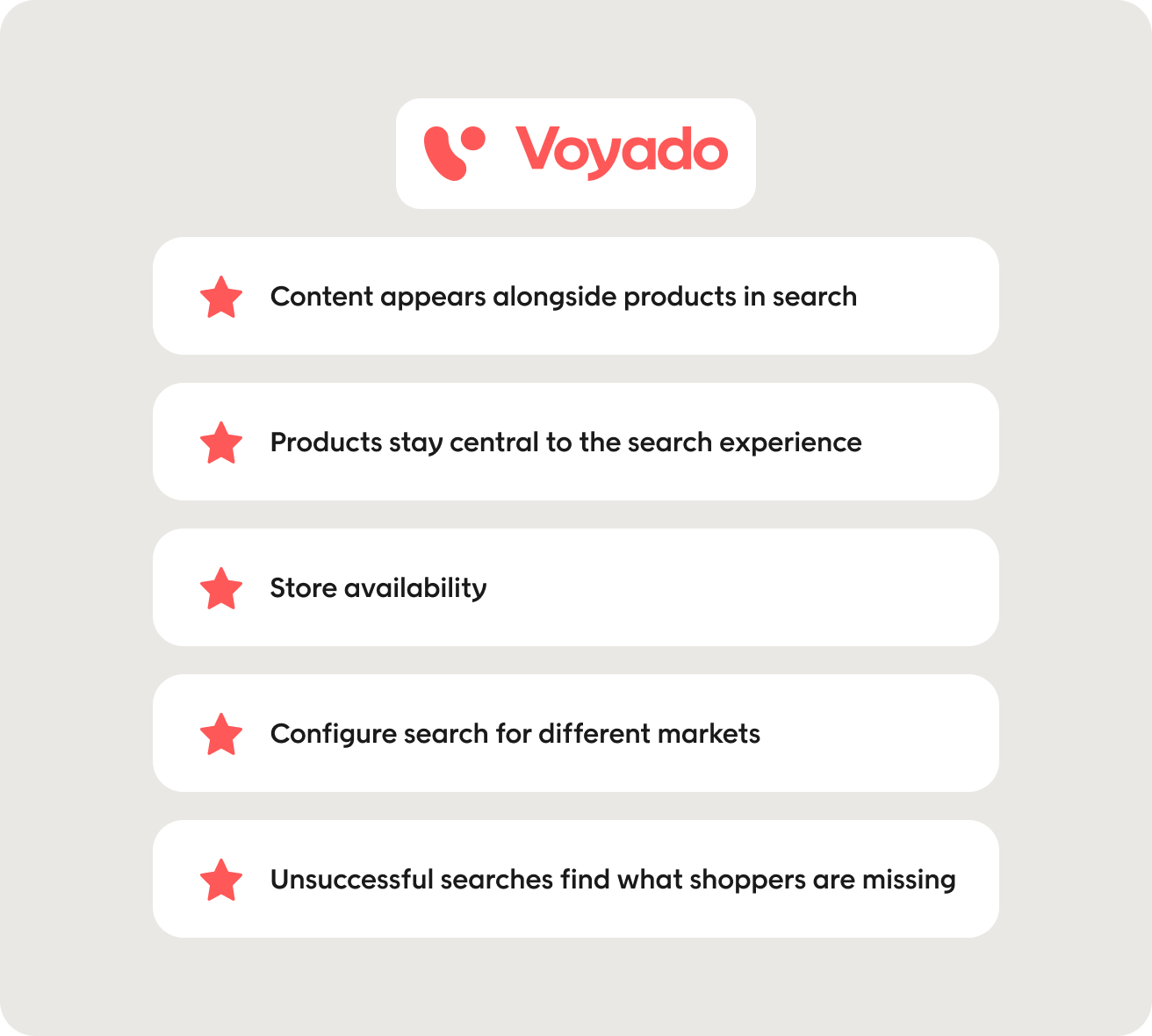
Content appears alongside products in search and autocomplete
Voyado displays content listings alongside ranked product results on the search results page. Its autocomplete can also surface relevant content suggestions alongside product suggestions, phrase suggestions, recent searches, and popular searches.
This means shoppers can discover relevant guides and articles while they’re searching, helping retailers make more of the content they have already created as part of the wider e-commerce product discovery experience.
Products stay central to the search experience
Product results can include the product image, name, price, discounts, short description, and availability. This gives shoppers the information they need to evaluate products directly from the search results page.
Content can support the buying journey without taking over the main product search experience, helping retailers make guides and other useful information available without losing focus on product discovery.
Store availability helps shoppers find products they can actually buy
Search results also show whether a product is available online or in a specific store. This gives shoppers useful information before they click through to a product page and connects online product discovery with physical inventory.
For retailers with physical stores, this can make search part of the wider omnichannel retailing experience rather than treating online and in-store availability as separate journeys.
Configure search for different markets
Voyado supports multi-market publishing and per-market configuration, along with local language and synonym dictionaries. This allows retailers to adapt search to different languages and markets while managing the experience through the same platform.
This is particularly useful for retail groups that need to account for differences in product availability, language, and other market-specific information without creating entirely separate search experiences.
Use unsuccessful searches to find what shoppers are missing
If your product search and content search don’t work together, shoppers may have to do the work of finding the right place to look. Voyadote captures queries with no exact match to help retailers improve search results and spot new product discovery opportunities.
Book a demo to see how Voyado brings products, content, and store availability into one search experience.
Final thoughts
Federated search expands what your search box can find. Get it right, and you can surface the lookbook or size guide that pushes shoppers toward the “checkout” button. But get it wrong, and the product gets buried under the blog post, adding an obstacle at the point where they may have been ready to make a purchase.
To see if it’s worth adding federated search to your site, check your search logs to see if customers are actively looking for information rather than just products. Start with the most common of those queries, add the relevant sources, and test whether shoppers find and use the results. That gives you a practical way to improve the search experience based on what customers are looking for, rather than connecting every available data source at once.
If you’re exploring different ways to improve your retail search experience, see our guides to the top e-commerce search solutions and Algolia competitors.
FAQs
What is federated search?
Federated search lets someone use a single search bar to search multiple data sources at once and see the results in one place. In e-commerce, those sources might include products, buying guides, help articles, store information, or marketplace catalogs.
What is the difference between federated search and unified search?
With federated search, the system searches multiple separate sources when someone enters a query and then combines the results. With unified search, information from different sources is added to a central index before anyone searches.
Both approaches can create a single search experience. Unified search is often faster and gives retailers more control over how results from different sources are ranked.
What are some examples of federated search in e-commerce?
Types of federated search examples include:
- Searching for “returns” and finding the retailer’s returns policy.
- Searching for “wool rug” and seeing both rugs and a rug care guide.
- Searching for a product and seeing whether it is available at a nearby store.
- Searching across products from multiple brands or marketplace sellers with a single query.
These are all examples of using one search interface to find relevant information from different sources.
Does federated search hurt product discovery?
It can if other types of content push relevant search results too far down the results page. For example, someone searching for “black running shoes” will usually expect to see products first.
Retailers can avoid this by deciding how different types of searches should work. Products can remain the main results for clear shopping searches, while guides and other content appear when they can help the shopper make a decision.
Do all retailers need federated search?
No. Federated search is most useful when relevant information is spread across multiple data sources, such as a large product catalog, extensive buying guides, help content, or several brands.
It’s often useful as an enterprise search tool, but a smaller retailer with a simple website may not need the extra complexity. Checking search data can help identify whether shoppers are regularly looking for information that the main product search cannot currently find.
How should products and content be displayed together?
For an efficient discovery process, products should usually remain the main focus when someone is clearly looking to buy something. Related content can then appear in a separate, clearly labeled section of the same results page.
For example, a search for “wool rug” could show rugs as the main results and a relevant care guide alongside them. Making different result types visually clear helps shoppers understand what they’re looking at.
How does Voyado support blended product and content search?
Voyado can display content alongside product results and surface relevant content suggestions as shoppers type. Product results can also include store-level availability, helping shoppers see where an item is available.
The experience can be adapted across different markets and languages, helping retailers bring products and other relevant information together in a single search experience.
About Author